User Attributes
Overview
User Attributes are custom profile fields defined by administrators.
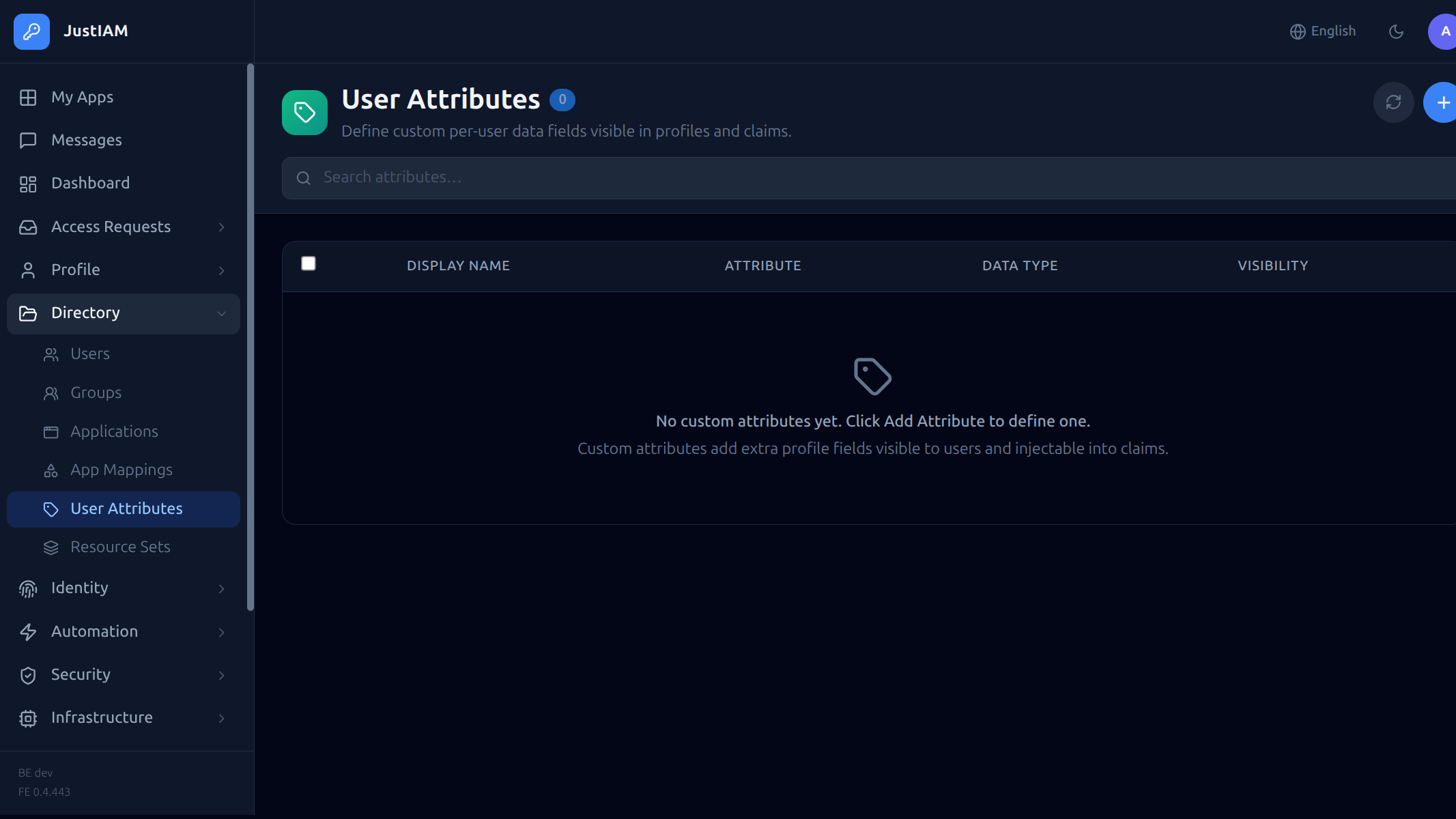 They allow you to store additional structured data on user profiles — such as department, employee ID, GitHub username, or any domain-specific field.
Attribute values are accessible in:
- The admin UI (user detail panel)
- End-user profile pages
- Post-render scripts via
user.Attributes() - MFA selector scripts via
user.Attributes()
Attribute definition
Each attribute definition has the following fields:
| Field | Type | Description |
|---|---|---|
name |
string | Machine key used in API and scripts (e.g. github_username) |
display_name |
string | Human-readable label shown in the UI |
description |
string | Optional help text |
data_type |
enum | text, select, boolean, date |
options |
string[] | Available choices (only for select type) |
required |
bool | Whether users must fill in this attribute |
user_editable |
bool | If true, end-users can edit the value in their own profile. If false, only admins can set it |
visibility |
enum | everyone — visible to the user; admins_only — only visible to administrators |
condition_type |
enum | none, group, application — controls when the attribute is shown |
condition_ids |
UUID[] | Group or application IDs for conditional display |
sort_order |
int | Display ordering |
Data types
| Type | Input | Stored as |
|---|---|---|
text |
Free-form text input | string |
select |
Dropdown from predefined options |
string |
boolean |
Checkbox / toggle | "true" or "false" |
date |
Date picker | ISO 8601 date string |
Conditional display
Attributes can be shown only to users who belong to a specific group or have access to a specific application:
condition_type: group+condition_ids: ["<group-uuid>"]— attribute appears only for members of the specified group(s)condition_type: application+condition_ids: ["<app-uuid>"]— attribute appears only for users with access to the specified application(s)condition_type: none— attribute appears for all users
Managing attributes
UI
Navigate to Settings → User Attributes to create, edit, reorder, and delete attribute definitions.
The list displays: display name, machine name, data type, visibility, and any conditions.
API
List definitions:
Create a definition:
POST /api/v1/settings/user-attributes
Authorization: Bearer <token>
Content-Type: application/json

{
  "name": "department",
  "display_name": "Department",
  "description": "The user's business department",
  "data_type": "select",
  "options": ["Engineering", "Sales", "Marketing", "Support", "HR"],
  "required": false,
  "user_editable": true,
  "visibility": "everyone",
  "condition_type": "none",
  "sort_order": 1
}
Update a definition:
Delete a definition:
Warning
Deleting an attribute definition also deletes all stored values for that attribute across all users.
Setting attribute values
End-user self-service
Users can view and edit their own attributes (those marked user_editable) on their profile page:
GET /api/v1/me/attributes
PUT /api/v1/me/attributes/{definitionId}
Content-Type: application/json

{
  "value": "Engineering"
}
Admin management
Admins with the user_attributes.manage permission can edit any user's attributes, regardless of the user_editable flag:
GET /api/v1/users/{userId}/attributes
PUT /api/v1/users/{userId}/attributes/{definitionId}
Content-Type: application/json

{
  "value": "Engineering"
}
In the admin UI, attributes appear in the Attributes section at the bottom of the user edit panel.
Using attributes in scripts
Post-render scripts (OIDC claims / SAML attributes)
Add custom user attributes to tokens:
package claim

func Evaluate() (map[string]interface{}, error) {
    attrs := user.Attributes()
    result := map[string]interface{}{}

    if dept, ok := attrs["department"]; ok {
        result["department"] = dept
    }
    if ghUser, ok := attrs["github_username"]; ok {
        result["github_username"] = ghUser
    }

    return result, nil
}
MFA selector scripts
Use attributes to determine MFA policy:
package claim

func Evaluate() (string, error) {
    attrs := user.Attributes()
    if attrs["security_clearance"] == "high" {
        return "passkey", nil
    }
    return "optional", nil
}
Permissions
| Permission | Grants |
|---|---|
user_attributes.manage |
Define and manage custom user attributes; edit any user's attribute values |
Examples
Employee onboarding fields
[
  {
    "name": "employee_id",
    "display_name": "Employee ID",
    "data_type": "text",
    "required": true,
    "user_editable": false,
    "visibility": "admins_only"
  },
  {
    "name": "department",
    "display_name": "Department",
    "data_type": "select",
    "options": ["Engineering", "Sales", "Marketing", "Support", "HR", "Finance"],
    "required": true,
    "user_editable": true,
    "visibility": "everyone"
  },
  {
    "name": "start_date",
    "display_name": "Start Date",
    "data_type": "date",
    "required": false,
    "user_editable": false,
    "visibility": "admins_only"
  }
]
GitHub integration attribute
{
  "name": "github_username",
  "display_name": "GitHub Username",
  "data_type": "text",
  "required": false,
  "user_editable": true,
  "visibility": "everyone",
  "condition_type": "application",
  "condition_ids": ["<github-app-uuid>"]
}
This attribute only appears for users who have access to the GitHub application.